Advertising
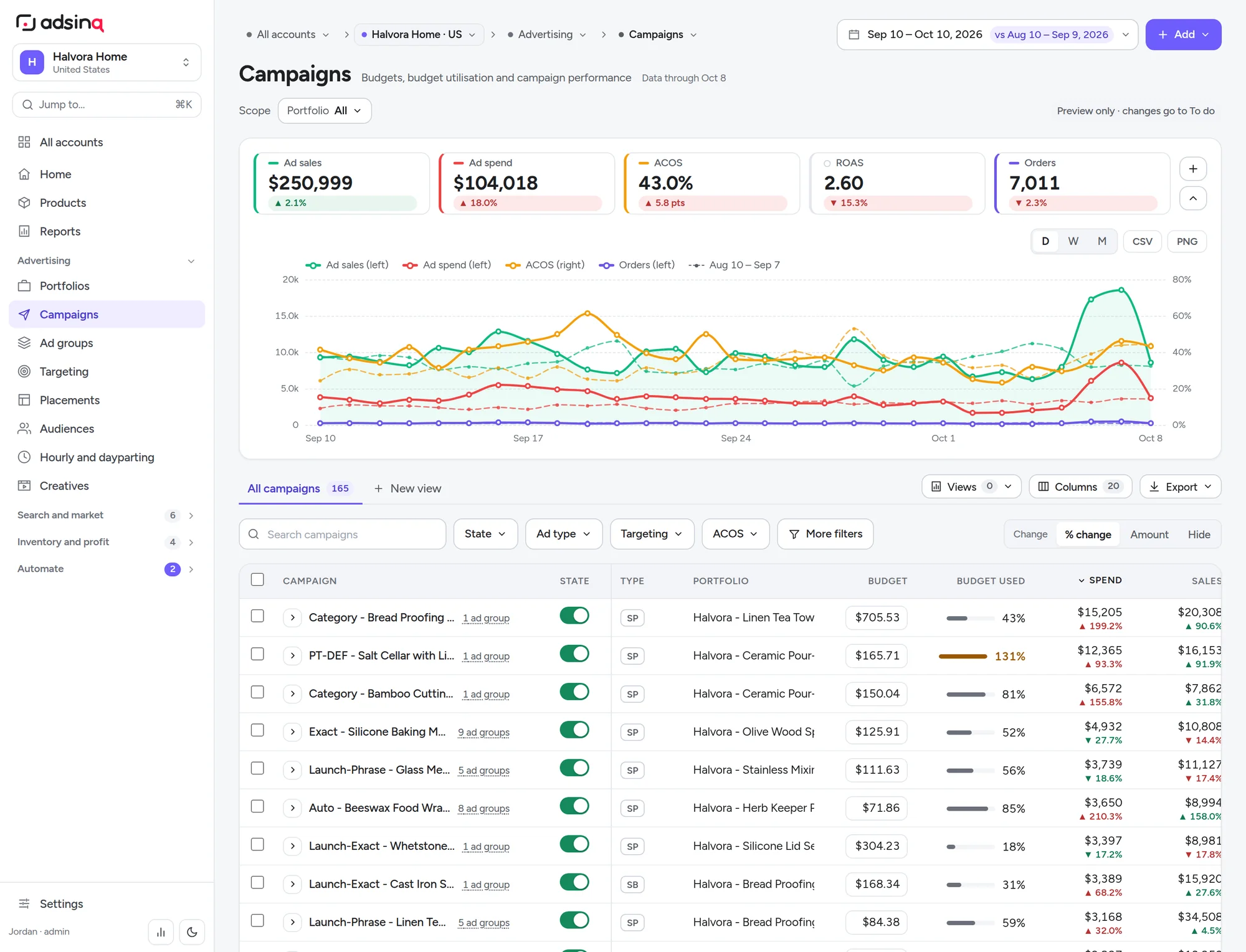
- Portfolios, campaigns, ad groups Live
- Targeting: keywords, products, auto Live
- Placements and placement allocation Live
- Audiences and AMC Beta
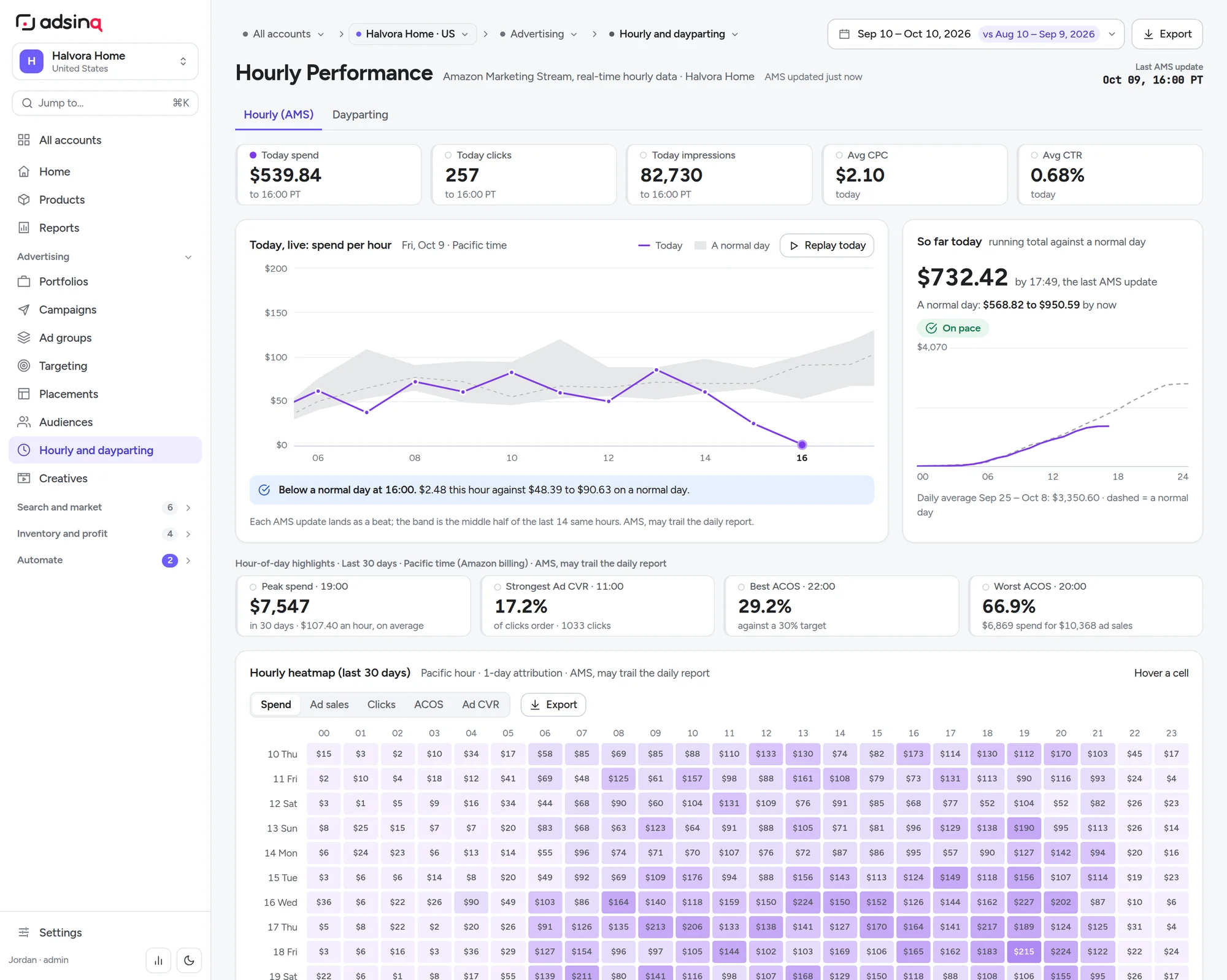
- Hourly (AMS) and dayparting Beta
- Creatives performance Live
- Campaign builder Soon
Amazon Ads analytics · AI co-pilot · MCP
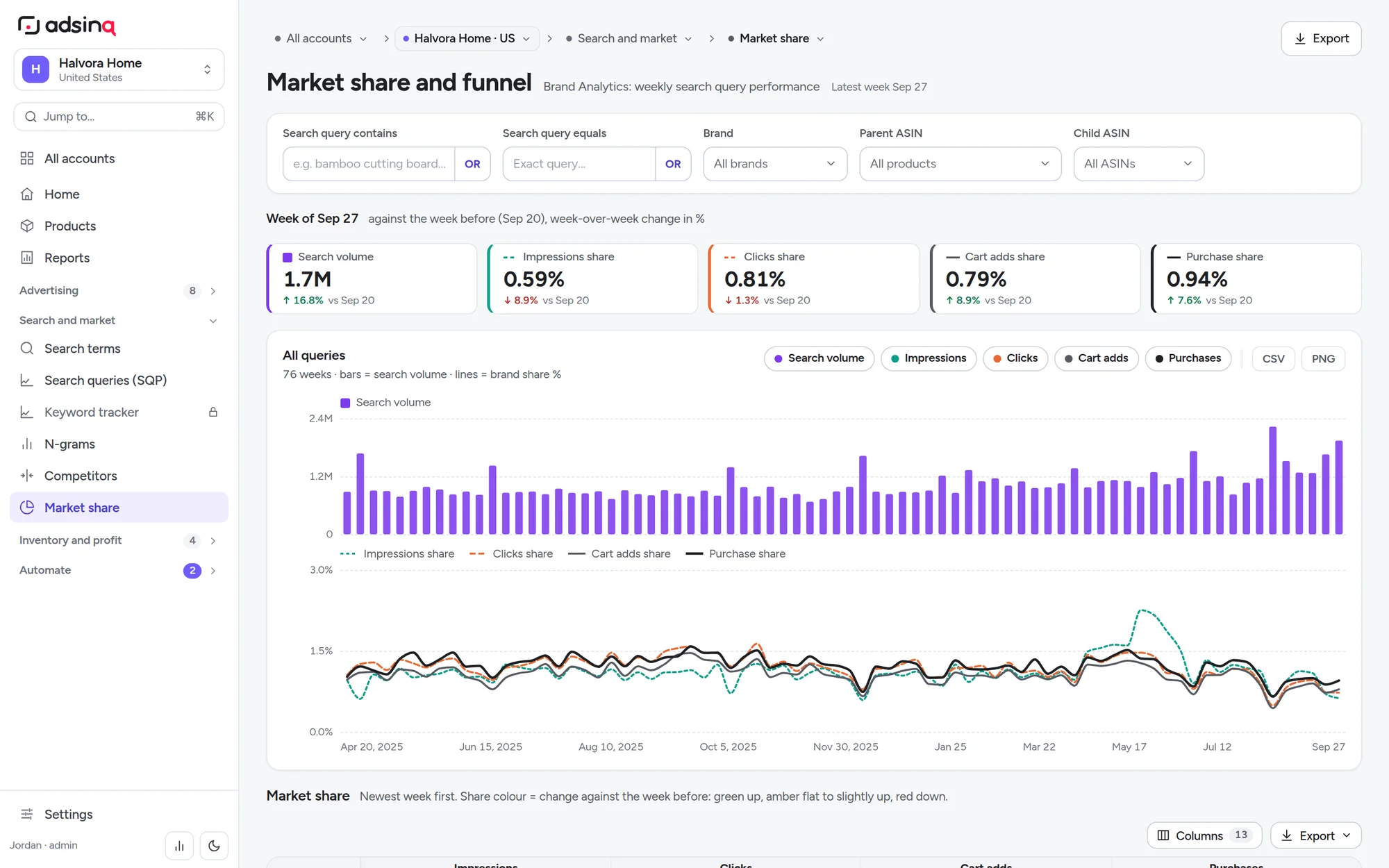
Adsinq is the analytics workspace for Amazon advertisers. Campaigns, search terms, hourly spend, Brand Analytics, inventory and profit sit in one place, and an AI layer reads all of it to propose bids, negatives and budgets. Nothing changes until a person approves it.
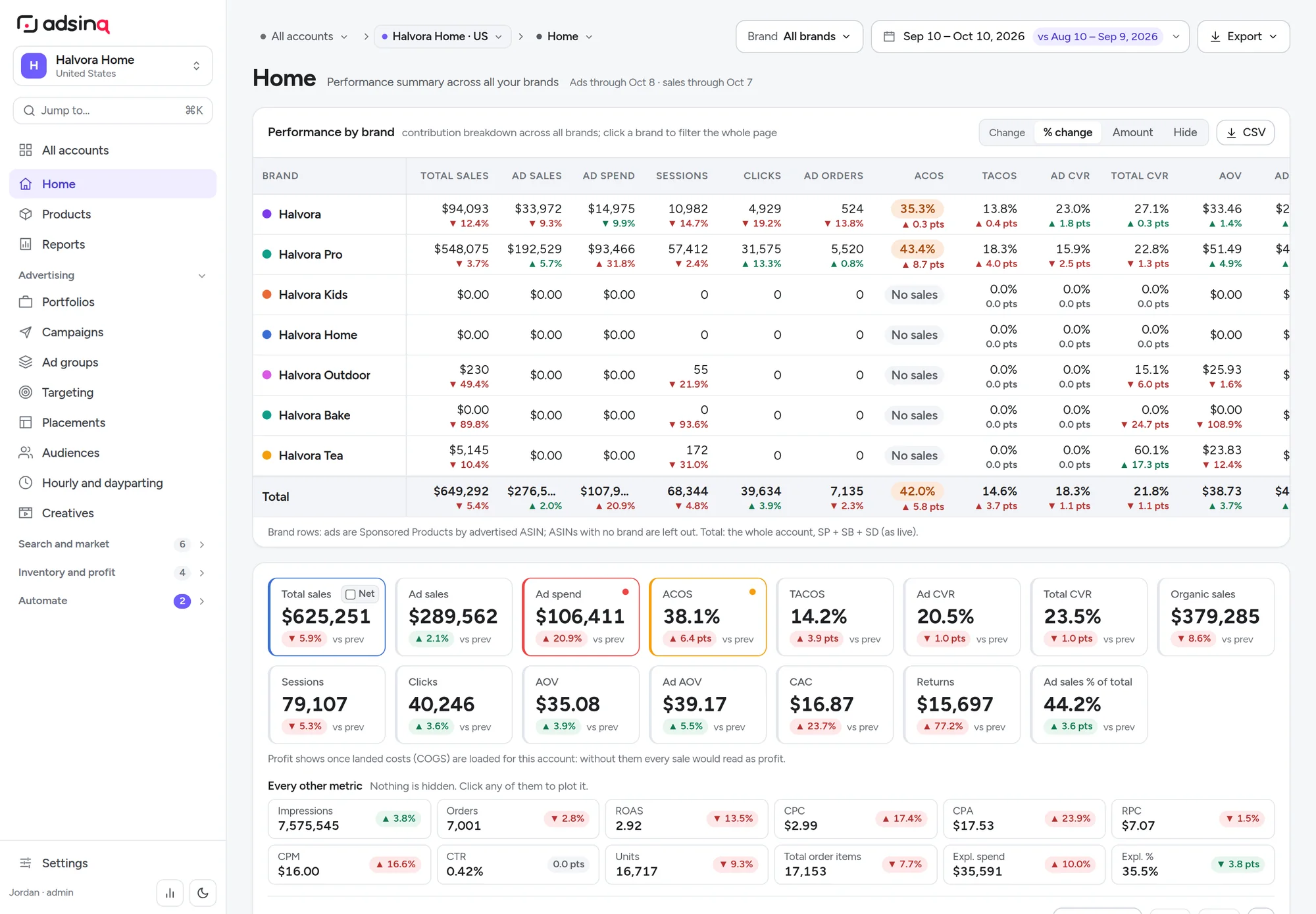
Screens are from the product with a fictional brand ("Halvora Home"), and every name and number is illustrative.
01 · The product
Built by operators who managed hundreds of Amazon accounts and got tired of eight dashboards that never agreed. Every view reconciles to the same numbers and uses the same filters, date range and comparison period.
02 · What's inside
Live in production Beta in the beta app Soon on the roadmap
03 · AI
Adsinq exposes your Amazon data and a small set of safe actions to AI through the Model Context Protocol (MCP). Connect any MCP-capable AI assistant and it can read campaigns, search terms and SQP, then draft changes. Every change comes back as a preview first.
level: "search_term", days: 14, orders: 0, sort: "spend"preview: will_set 3 · skipped 0 · limited_by_bounds 0apply: true · 3 applied · logged to Change logsTools your AI can call
read write, preview first
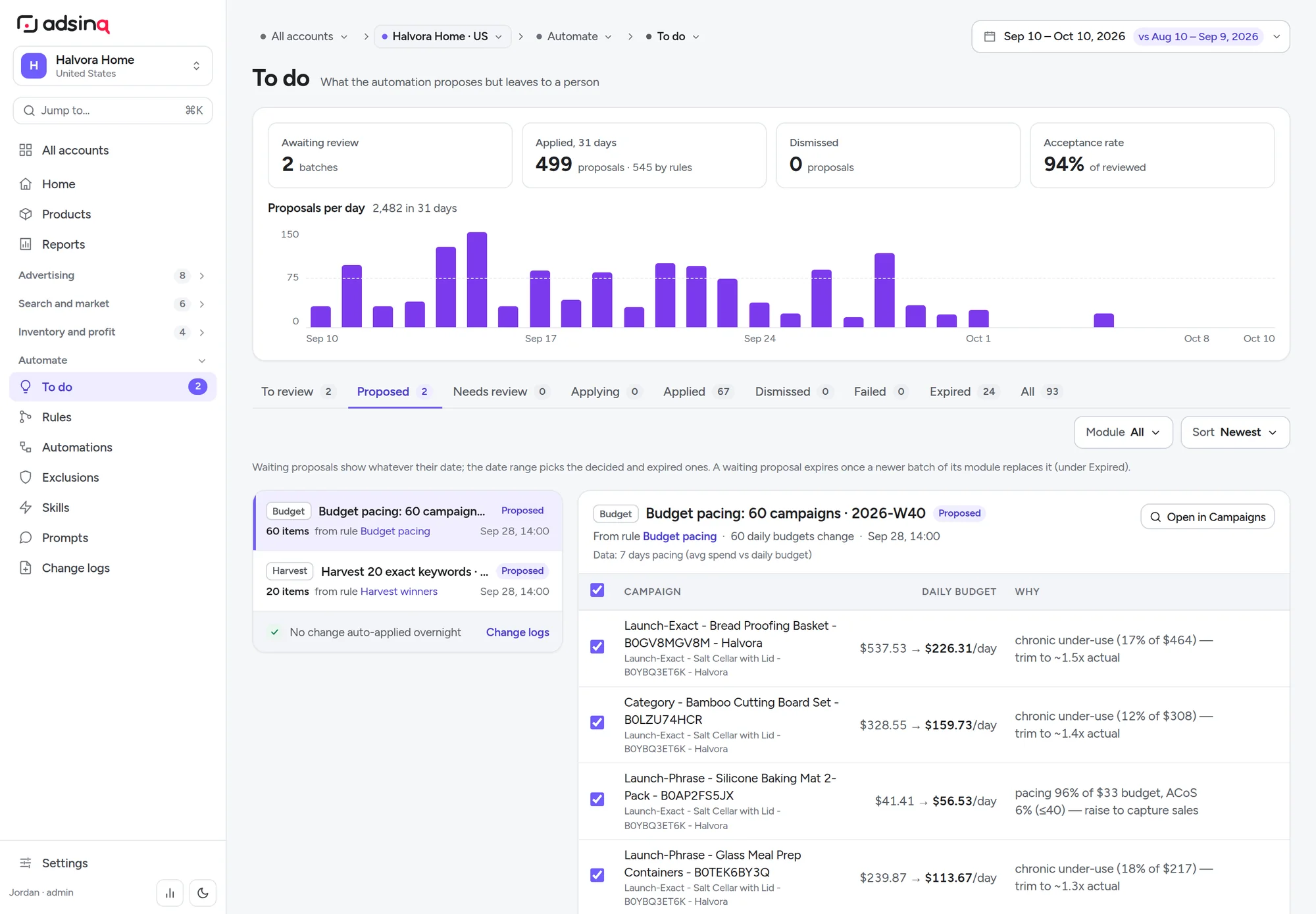
Each process reads the same reconciled data you see on screen and lands in the To do queue as a proposal with its reasoning.
Overnight, rules and AI check every account and turn what changed into proposals in To do, each with its reason and evidence.
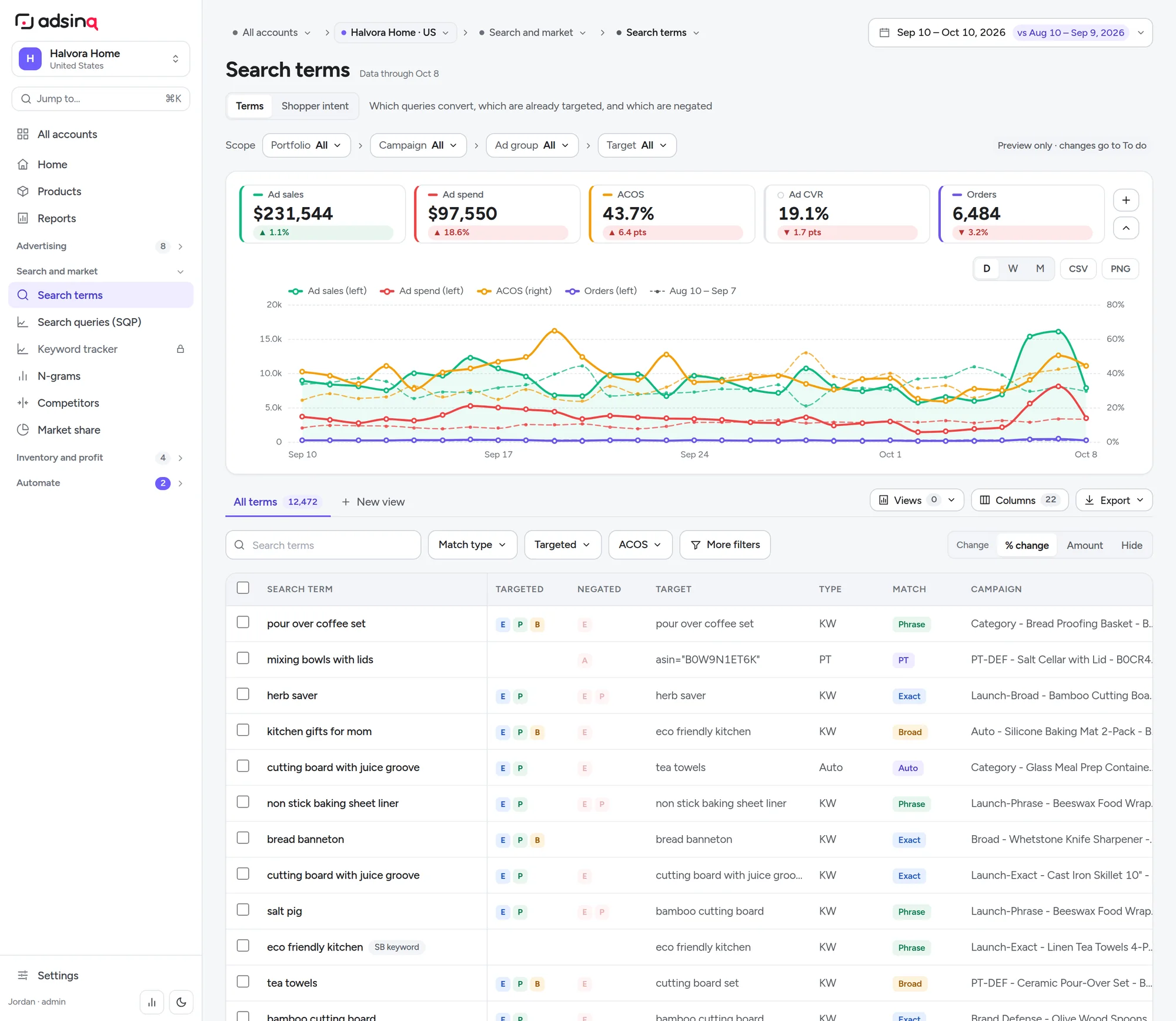
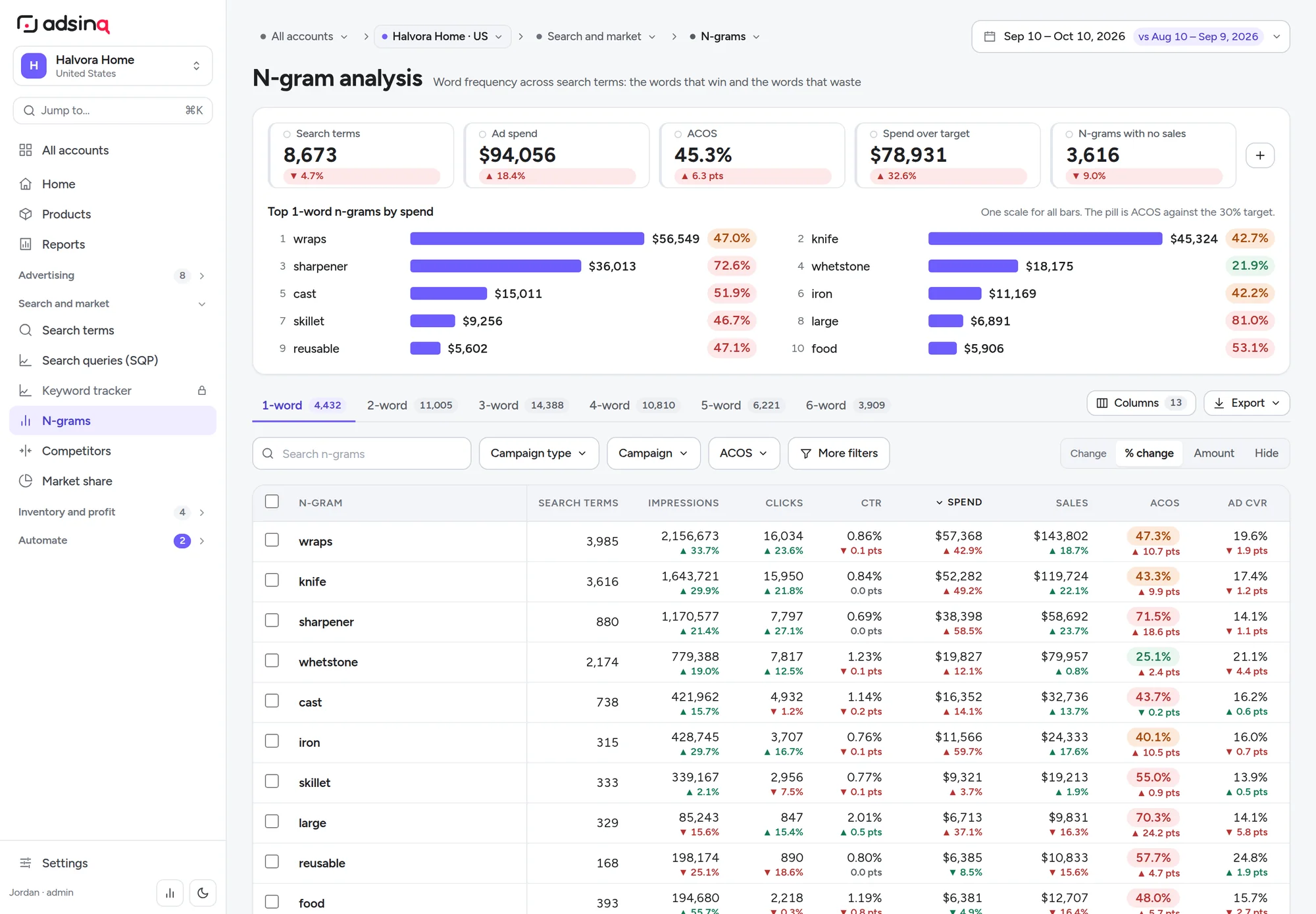
Converting queries get promoted to exact targets. Ones that spend without orders get negated, with the evidence attached.
Revenue per click against your target ACOS gives the bid each target has earned, within your safety bounds.
Continuous bid management that learns from your approvals, moving from proposing to acting inside limits you set.
Hourly AMS data shows when shoppers convert. Bids follow the hours that pay and pull back from the ones that don't.
Campaigns that run dry while under target ACOS get more budget. Over-target ones stay capped, and each gets a reason.
Search terms are grouped into intents like own brand, competitor, use case and feature, so you can see which intents convert and which leak.
Real shopper questions from Rufus and SQP vocabulary, turned into title and bullet suggestions you can check against the data.
04 · Pricing
Dashboards and data are unlimited on both plans. Tokens only count when AI does the work: answering questions, writing recommendations, drafting changes.
Analytics
For brands and teams who run their own ads
$199/ month
Up to 3 Amazon accounts · +$49 per extra account
Analytics + Management
We run your Amazon Ads with Adsinq and AI
from$1,500/ month
or 4% of monthly ad spend, whichever is higher
What's a token?
A token is a small piece of text the AI reads or writes, roughly ¾ of a word. A typical question about one account, with its answer, uses 20–60k tokens. A full overnight review of one account uses about 150k.
What uses them
The built-in assistant, overnight recommendations, intent clustering and drafted changes. Browsing dashboards, filtering, exporting and data refreshes never use tokens.
Your own model
Connect your own AI through MCP and the model's usage goes on your AI provider's plan, not on your Adsinq tokens. Your data still goes through the same guardrails.
Amazon Ads API (Sponsored Products, Brands and Display), Amazon Marketing Stream for hourly data, Selling Partner API for orders, inventory, fees and returns, and Brand Analytics for Search Query Performance. Walmart Connect is in beta.
Daily reports load overnight and are typically one day behind, the same as Amazon's console. Hourly spend, clicks and sales arrive through Amazon Marketing Stream during the day.
No. Every change is a preview until someone with the Editor role approves it. Account safety bounds cap bids and budget steps, and bid and budget changes can be undone from Change logs.
Analytics keeps working. AI features pause until the next month or until you add a top-up ($15 per 1M tokens). We email you at 80% so it never comes as a surprise.
Analytics is month to month. Management starts with a 3-month term so there's time to restructure and measure, then continues month to month.
05 · Who builds it
Adsinq is led by a founder with close to a decade of hands-on work in Amazon advertising, across hundreds of brand accounts in more than twenty categories. That work covers Sponsored Products, Brands and Display, Amazon Marketing Cloud, Brand Analytics and the retail side behind the ads: inventory, margins and listings.
The product started as the internal tooling behind that work: bid models, data pipelines and the reports used to make real budget decisions. We still manage accounts with it every day, so every view has to earn its place by helping someone decide what to do next.
A 30-minute walkthrough on your data: where the money goes, what the AI would change first, and what it would cost.
Book a demohello@adsinq.com